
Every carrier has the same problem: trucks don't make money parked, and good drivers are hard to find. Job boards are crowded, recruiting agencies are expensive, and most "applications" come from people who never answer the phone. Facebook and Instagram ads solve this because they reach working drivers where they already spend their downtime — on their phones, at truck stops, between loads.
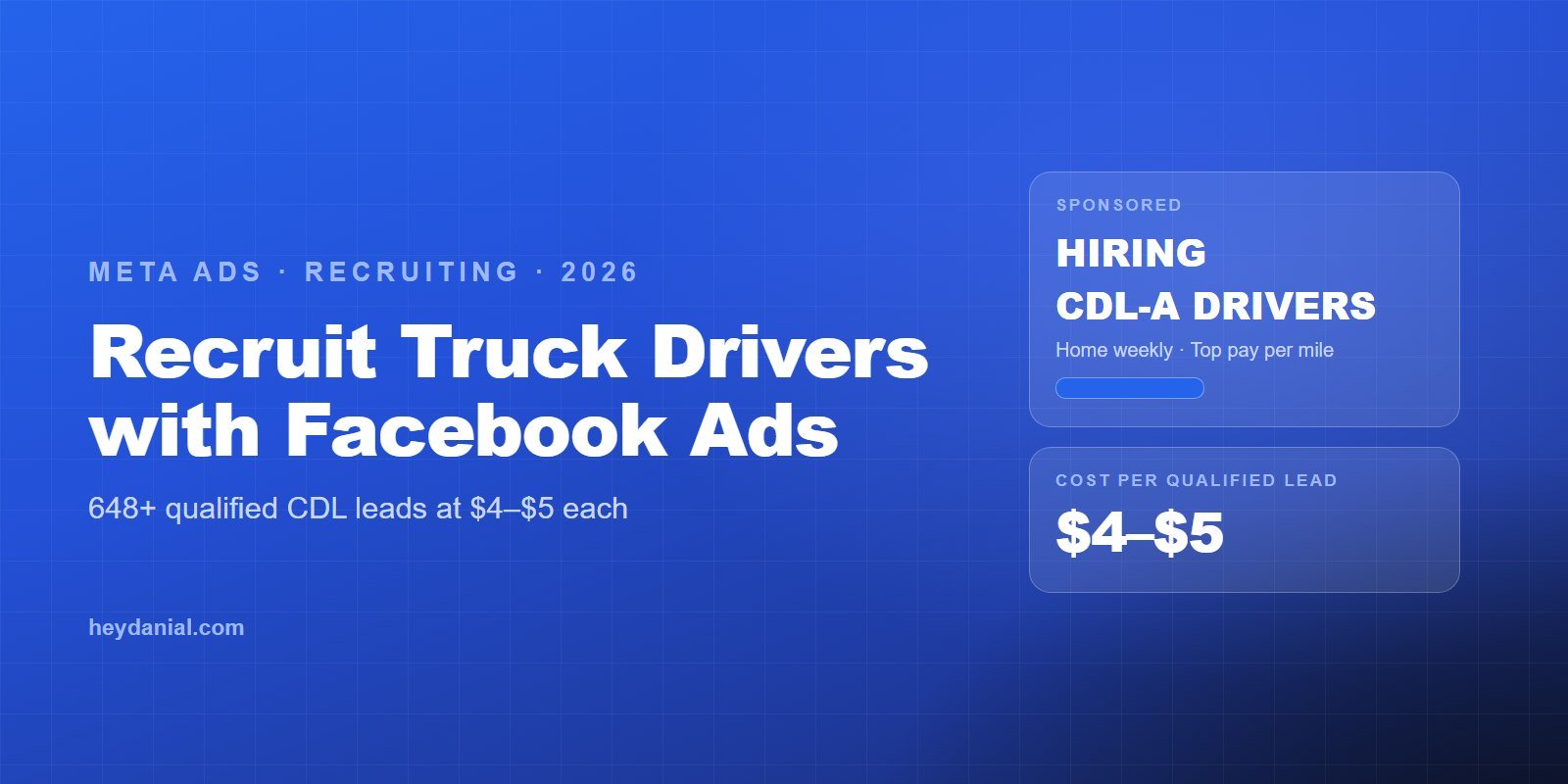
I've run this playbook for the Truckers Affiliate Program, generating 648+ qualified driver leads at $4–$5 per lead across the US. Below is the full system: the compliance rules you can't skip, the creative that gets drivers to stop scrolling, and the lead form that filters before the lead ever reaches your recruiter.
The short answer
- Run every recruiting ad under Meta's Employment Special Ad Category — it's mandatory and it changes how targeting works.
- Because targeting is limited, your creative does the targeting: speak to drivers in their language, lead with pay and home time.
- Use instant lead forms with qualifying questions (CDL class, state, experience) so cheap leads are also good leads.
- Call leads fast, and judge campaigns on cost per qualified lead and cost per hire, not raw CPL.
Why Facebook ads work for truck driver recruiting
Facebook ads work for driver recruiting because most good drivers aren't actively job hunting — but they will switch for a better offer. Job boards only reach people already searching. Meta reaches the much larger group of employed drivers who'd move for better pay, more home time, or newer equipment, and it lets them apply in under a minute from their phone.
The catch: Meta's ad system is now driven by creative, not detailed targeting (I explain why in Meta Andromeda: why creative is the new targeting). For recruiting, that matters twice over — because the rules below remove most of your targeting options anyway.
Step 1 — Set up the Employment Special Ad Category correctly
Any ad that promotes a job must be declared under Meta's Employment Special Ad Category. This comes from Meta's 2019 civil-rights settlement, and undeclared job ads get rejected or restricted. Once you declare it, these are the main limits to plan around:
| Restriction | What it means for recruiting |
|---|---|
| Age locked to 18–65+ | You can't target "experienced" drivers by age — your ad copy must qualify instead. |
| Gender locked to all | No gender targeting. Write copy that speaks to all qualified drivers. |
| No ZIP codes; minimum 15-mile radius | Target states, cities, or terminal locations with a radius instead. |
| No lookalikes, no detailed-targeting exclusions | Go broad and let creative + the lead form filter. Customer-list custom audiences still work. |
Meta updates these rules from time to time, so always confirm the current options inside Ads Manager when you create the campaign. Keep recruiting in its own campaigns, separate from any freight or brand ads, so the restrictions don't leak into your other marketing.
Step 2 — Build an offer drivers actually care about
Drivers decide in two seconds, and they decide on the offer. Before writing a single ad, get these answers from the carrier in plain numbers:
- Pay: cents per mile, weekly average, or a guaranteed minimum.
- Home time: home daily, weekly, or every two weeks.
- Route type: OTR, regional, local, dedicated lanes.
- Equipment: truck age, automatic vs manual, what they haul (dry van, reefer, flatbed).
- Requirements: CDL class, minimum experience, endorsements.
- Extras: sign-on bonus, benefits, pet/rider policy.
"Great pay and benefits" says nothing. "Home weekly · top pay per mile · CDL-A" tells a driver in one glance whether this job is for them.
Step 3 — Write creative that speaks driver
Your creative is your targeting. Since you can't narrow by age or interests, the ad itself has to make the right driver stop and the wrong person scroll past. These are the angles I tested for the Truckers Affiliate Program:
| Angle | Headline example | Why it works |
|---|---|---|
| Direct hiring | "Hiring CDL-A drivers · Home weekly · Top pay per mile" | Calls out the exact license and the two biggest decision factors. |
| Low friction | "$0 upfront — get matched with carriers hiring now" | Removes risk and makes applying feel easy. |
| Pain point | "Tired of sitting idle? Routes waiting in your state" | Speaks to drivers frustrated with their current carrier. |
A few rules that held up across every test:
- Use real trucks and real drivers. Generic stock photos of smiling office workers kill trust instantly.
- Put the numbers on the image. Pay and home time should be readable without opening the ad.
- Test different concepts, not small tweaks. Five versions of the same image with a new headline count as one idea. Test genuinely different angles — pay, home time, equipment, frustration, a driver testimonial video.
- Kill fast. Creative versions can differ wildly in cost per lead, so judge each one on cost per qualified lead, cut the losers within days, and move budget to the winners.
Step 4 — Use a lead form that qualifies
The lead form is where cheap leads become good leads. I use Meta instant forms because drivers can apply in about 60 seconds without leaving the app — but I add friction on purpose so that only real drivers finish:
- Choose the "higher intent" form type, which adds a review screen before submitting.
- Ask qualifying questions: CDL class (A / B / other), state, years of experience, and endorsements.
- Pre-fill name and phone from the profile to keep it fast.
- Say what happens next on the thank-you screen ("A recruiter will call you today").
Don't ask for age, gender, or anything that could look discriminatory — Meta restricts certain questions on employment forms, and it's a legal risk for the carrier anyway.
Step 5 — Target broadly, by geography
Target the states or regions where the carrier actually needs drivers, then go broad. Segment campaigns by geography (for example, one ad set per hiring region) so you can see which areas produce qualified leads cheaply and move budget there. Leave Advantage+ audience on and let the qualifying creative and form do the filtering — under the Employment category, that's what works.
Step 6 — Respond fast and track to the hire
A driver lead goes cold within hours. Drivers often apply to several carriers at once, and the first recruiter to call usually gets the conversation. Send leads straight into your CRM or applicant tracking system (or at minimum, instant email/SMS alerts) and aim to call within minutes, not days.
Then measure the right numbers. Cheap leads that never get hired are expensive:
| Metric | What it tells you |
|---|---|
| Cost per lead (CPL) | How efficient the ad is. Useful, but never the final judge. |
| Cost per qualified lead | Leads that meet CDL, experience, and location requirements. The number I optimize for. |
| Contact rate | How many leads actually answer. Low rates mean a form or speed-to-lead problem. |
| Cost per hire | The real business result. Track it in the CRM and feed it back into which ads you scale. |
Truck driver recruiting cost-per-lead benchmarks
Public benchmarks put Facebook career and employment leads at roughly $17–$18 on average, but well-built driver funnels can come in far lower. Here's how the numbers compare:
| Source | Cost per lead |
|---|---|
| My Truckers Affiliate Program campaigns (qualified leads) | $4–$5 |
| WordStream "Career & Employment" Facebook average (via Webtonic) | ~$17.64 |
| WordStream all-industry Facebook average | ~$27.66 |
Treat benchmarks as a sanity check, not a target. Your CPL depends on pay, region, CDL class, and how hard the form filters — and a slightly more expensive lead that actually gets hired is the better deal.
Case study: 648+ qualified drivers at $4–$5 a lead
For the Truckers Affiliate Program, the brief was simple and brutal: bring in real, road-ready drivers, and bring the cost per lead down far enough that scaling makes sense. The system above — driver-first creative, state-level segmentation, qualifying questions in the form, and a continuous kill-and-scale testing loop — held qualified leads at $4–$5 each across scaled ad sets, not just in a one-off test. You can see the creative and campaign proof in the full case study.
Common mistakes to avoid
| Don't | Do |
|---|---|
| Run job ads without the Employment category | Declare it on every recruiting campaign |
| Say "competitive pay" | Show the actual pay and home time |
| Use a 3-question form with no filters | Ask CDL class, state, and experience |
| Call leads the next day | Call within minutes while they're still interested |
| Optimize for the cheapest CPL | Optimize for qualified leads and cost per hire |
Key takeaways
- Employment Special Ad Category is mandatory — plan around its targeting limits.
- Lead with the offer: pay, home time, and CDL class, right on the creative.
- Qualify in the form, not after the call.
- Speed to lead and cost per hire decide whether recruiting ads are profitable.
Frequently asked questions
How much does it cost to recruit truck drivers with Facebook ads?
It depends on the role, pay, region, and how well your funnel qualifies. In my Truckers Affiliate Program campaigns, qualified CDL driver leads held at $4–$5 each. Broader benchmarks for career and employment ads on Facebook average around $17–$18 per lead, so a well-built funnel can come in far below average.
Do I have to use the Employment Special Ad Category for driver recruiting ads?
Yes. Any ad that promotes a job opening must run under Meta's Employment Special Ad Category. It removes age, gender, and ZIP-code targeting and disables lookalike audiences, so your creative and lead form have to do the qualifying instead of your targeting.
Are Facebook lead forms or landing pages better for truck driver recruiting?
For most carriers, Meta instant forms win because drivers apply from their phones in under a minute. Use the higher-intent form type and add qualifying questions such as CDL class, state, and years of experience, so volume doesn't come at the cost of lead quality.